
3.1 Installer: Receive Child Serial Number from the Distributor
This guide is helpful for individuals who have purchased a product and need to register their warranty or file a claim. It provides step-by-step instructions on how to find and copy the child serial number from an email attachment, and emphasizes the importance of including this information when registering a warranty. Additionally, it directs users to other guides on how to register a warranty or file a claim if they are doing so for the first time.
Navigate to your personal Email Inbox.
Open the email with the PDF in the attachments.

Download the PDF.
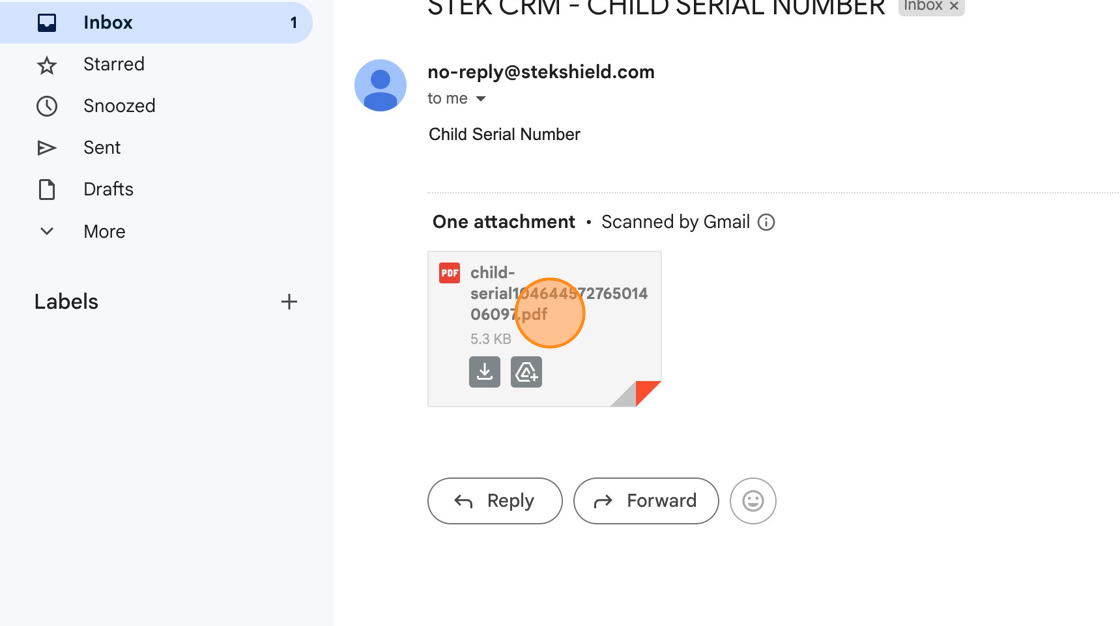
Copy the Child Serial Number provided.

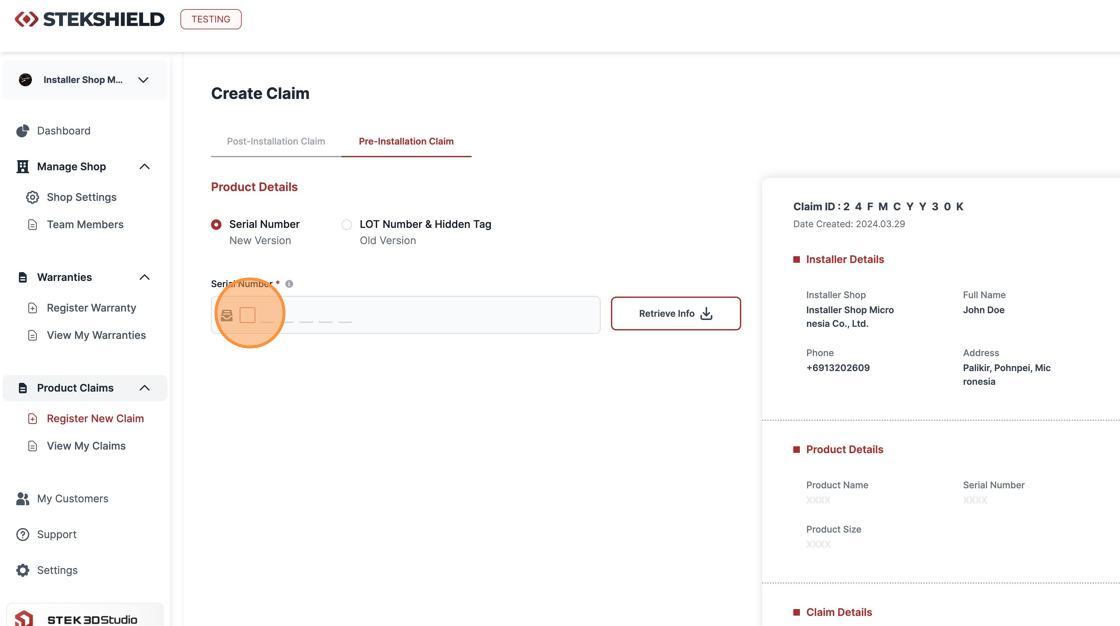
Whenever registering a Warranty with the new product, make sure to add the new Serial Number you received on the email.

It's also possible to register a claim if there's a problem with your product.
Was this article helpful?
That’s Great!
Thank you for your feedback
Sorry! We couldn't be helpful
Thank you for your feedback
Feedback sent
We appreciate your effort and will try to fix the article